5 Signs Your Computer Needs an SSD Upgrade Immediately
In today's fast-paced digital world, system performance is crucial. If your computer is running sluggishly, the bottleneck is often not the processor or the RAM, but the old mechanical Hard Disk Drive (HDD). Upgrading to a Solid State Drive (SSD) is the single most cost-effective way to make an old computer feel brand new.
1. Booting Takes Several Minutes
If you have time to make a cup of coffee while your computer turns on, it's time for an upgrade. A standard HDD takes 40-90 seconds to load the operating system. With an SSD, boot times are slashed to 10-15 seconds.
2. Frequent "100% Disk Usage" Warnings
Open Task Manager on Windows. If your disk usage stays locked at 100% even when you aren't running heavy programs, your HDD is struggling to keep up with background system files. SSDs read and write data up to 10 times faster, keeping usage low.
3. Programs Load Sluggishly
Waiting for Chrome, Microsoft Word, or Photoshop to open can destroy your productivity. Mechanical drives rely on physical spinning platters and read heads to find files. SSDs use flash memory chips, retrieving files instantly.
4. The System Freezes During File Transfers
Moving large photos, videos, or folders shouldn't lock up your entire operating system. Mechanical drives struggle with multi-tasking. Upgrading to an SSD ensures smooth file copying without system lags.
5. Loud Clicking or Whirring Noises
HDDs are mechanical devices that wear out over time. If your computer's hard drive is clicking, whirring, or grinding, it is a warning sign of imminent hardware failure. SSDs contain zero moving parts, making them completely silent and highly durable.
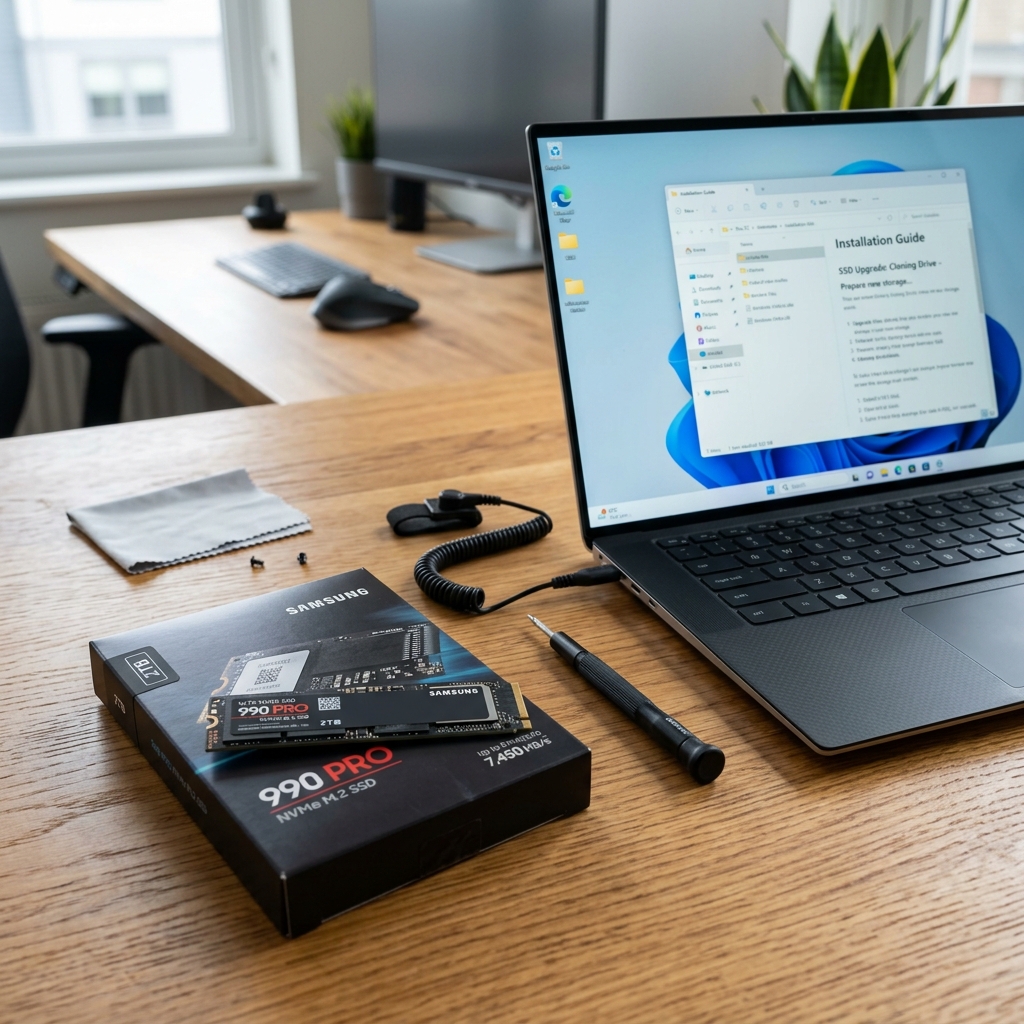
Upgrading to an SSD is a straightforward service that takes under an hour and preserves all your data. Contact the SRP Enterprise team to schedule a SSD upgrade today!